
How to verify your
identity, in five minutes.
Before you can vote for Kerry-Lynne Findlay, you’ll confirm who you are through a secure online check. It’s a one-time process — done from your phone or computer, with a piece of government ID and a quick selfie. This guide walks through every step.
01 / Before you start
What you’ll need
Gather these two things before you click the link. Most failed verifications come from rushing this step.
A government-issued photo ID and a separate document confirming your home address — such as a utility bill or bank statement. The address document must be issued within the last 3 months.
You’ll photograph your ID and take a quick selfie. A phone in a well-lit room is easiest. No app, account, or password required.
02 / The walk-through
Follow them in order. The whole flow takes about five minutes once your ID is in hand.
Starting April 27, 2026, members receive an email containing a personal verification link. Click the link to begin — that's your starting point.
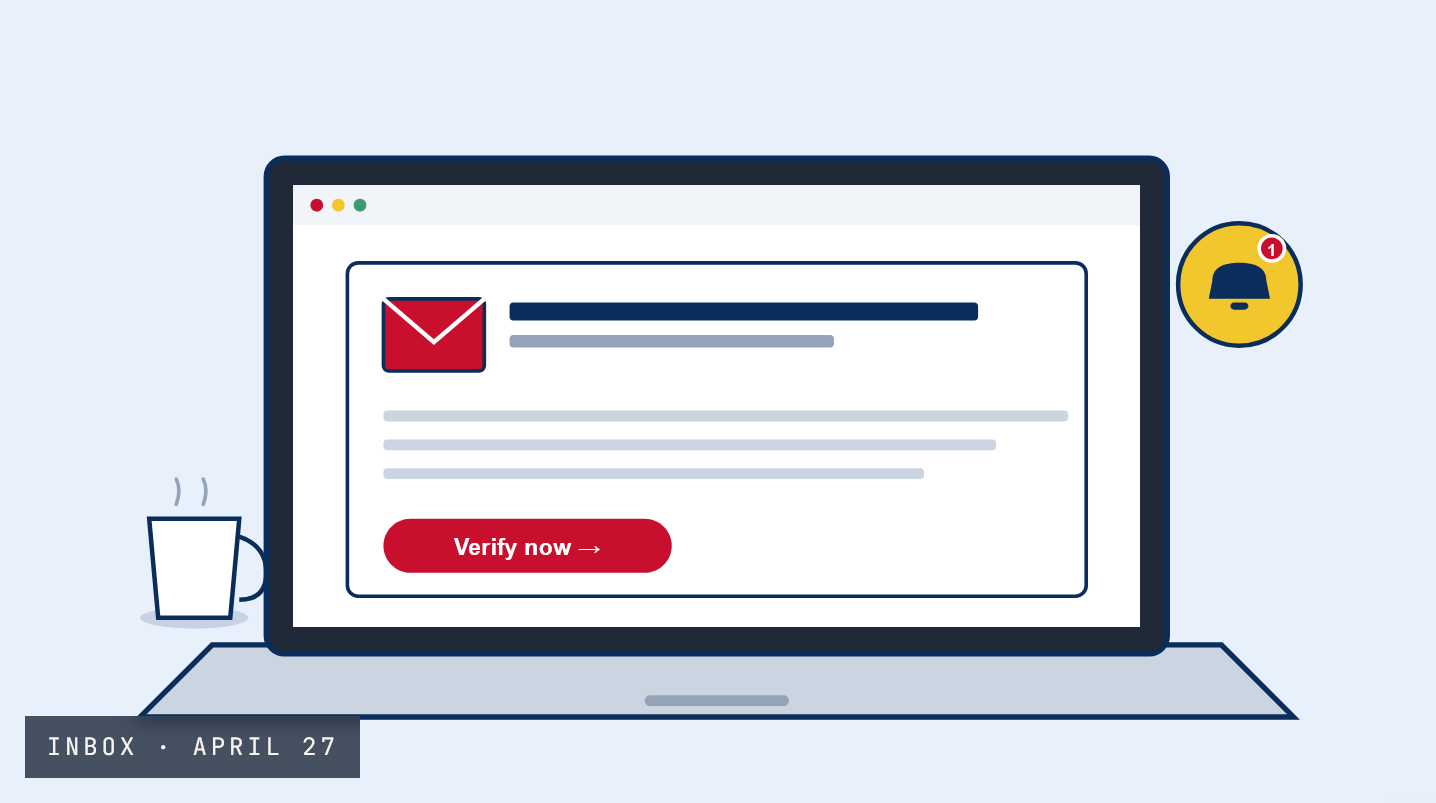
The link opens a secure page powered by Persona, an independent identity service. There's nothing to install, sign up for, or remember — the link itself is your key.
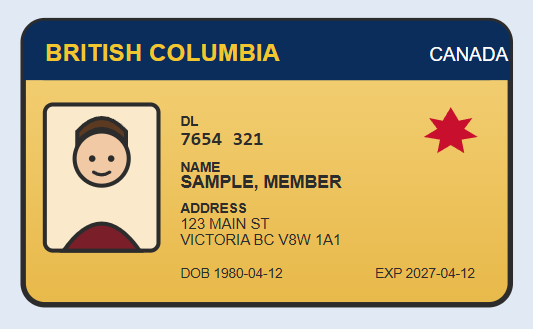
Take a photo of your government-issued BC ID or driver's licence. Place it on a flat, dark surface with all four corners clearly visible.
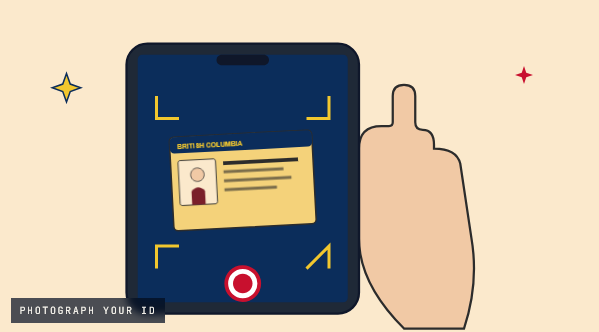
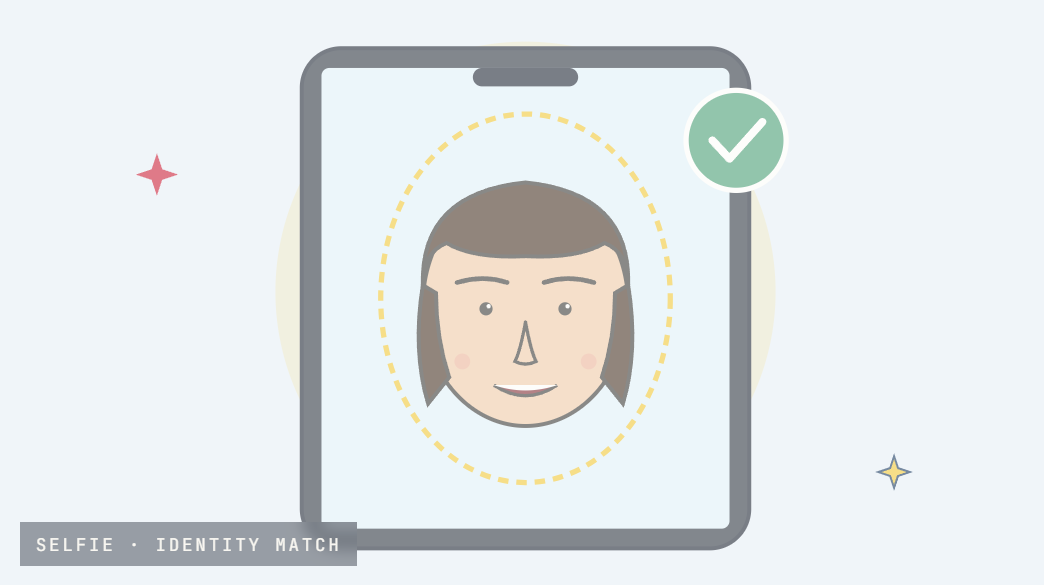
A quick selfie is matched against the photo on your ID. It's stored only for the duration of the verification, and prevents anyone from voting twice.
You may be prompted for a second document to confirm citizenship or permanent residency — a passport, NEXUS card, PR card, or birth certificate — and/or a recent utility statement for your address.
Voters who will turn 18 by election day are eligible to pre-register. If you are under 19 at the time of verification, a parent or guardian must provide consent through this step.
Once all steps are complete, submit your verification. Elections BC will review and confirm. You will be notified by email when your verification is confirmed.
If verification succeeds, an email confirms it and your voting credentials follow on the schedule below. If something can't be verified automatically, your file is forwarded to the neutral Returning Officer for adjudication.
Rejected? You'll get a brief explanation — and you can re-try anytime up to May 20.
May 20, 2026 · 11:59 PM PT — the final moment to verify.
No exceptions after
03 / The calendar
Key dates at a glance
From the day verification opens to the close of voting — three weeks of milestones to keep on your radar.
IF YOU VERIFY BY …
… CREDENTIALS ARRIVE
On or before May 7
May 8 → May 14
May 15 → May 20
Voting window
Locations:
Coming soon:
04 / Frequently asked questions
Common questions
Click any question to expand.
You can combine two documents — for example a BC ID with a recent utility bill. Any government-issued photo ID plus an address proof works.
You’ll receive a brief explanation by email and can re-try as many times as needed up to May 20, 2026 at 11:59 PM PT. If automated checks can’t confirm your identity, the case is reviewed by the neutral Returning Officer.
Yes. The entire process is online and works from anywhere with internet access and a camera. No mailed forms required.
Two common situations, and how to reach a real person who can help you through them.
[email protected]
Email — anytime
(877) 361-6601
Phone — Mon–Fri, 11 AM – 7 PM